Safe SSD erasure and destruction
Cryptographic erasure or shredding to a small fragment
Degaussing does not work on an SSD: flash memory is not magnetic. If the SSD can be reused, we erase it cryptographically (Purge) with verification. If it must be destroyed, we shred it to a small fragment, also for NVMe drives and soldered-on storage.
030 123 45 67
Flash is not a magnetic medium
An SSD, NVMe drive or soldered-on storage in a laptop stores data in flash memory, not magnetically. Degaussing has no effect there. For reuse we erase cryptographically or with the device's own sanitize command (Purge), with verification. If that fails, we shred it to a small fragment.
degaussing does not work on SSDs or flash
cryptographic erasure or sanitize command
fragment size when shredding, DIN 66399 H5 (example)
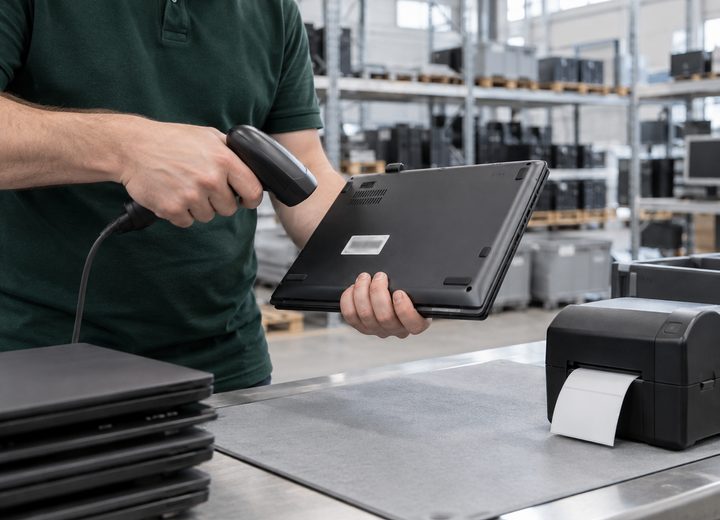
Erasure where possible, shredding where necessary
On the left the software-based route for SSDs and NVMe drives, on the right what happens if erasure fails or is not preferred. Soldered-on storage receives the same attention as a loose SSD.
- SSD (SATA)Purge
Cryptographic erasure or sanitize command, with verification
- NVMe drivePurge
Secure erase via the NVMe protocol, with verification
- Soldered-on storage (laptop)Purge
Erasure via the device itself, if the controller allows it
- External SSDPurge
Cryptographic erasure or sanitize command, with verification
- Device with failed verificationDestroy
Automatically routed to physical destruction
- Shredding SSD / NVMeDestroy
To a small fragment, also for soldered-on storage
- Fragment sizeDIN 66399
≤ 6 mm, DIN 66399 H5 (example)
- DegaussingN/A for SSD
Does not work on flash; only used for magnetic media in the same device
- RegistrationRecorded
Serial number and model recorded before processing
- CertificatePer device
Per device, method and verification or fragment size
How SSD erasure or destruction works at RQNX IT
Every step is recorded in the erasure log and can be traced per serial number in your dossier.
1
Registration
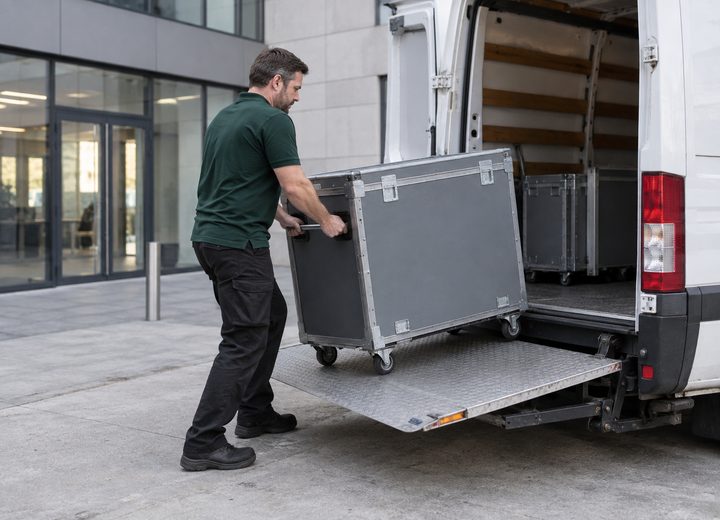
Serial number, model and storage type recorded on arrival or at your site
2
Purge or shredding
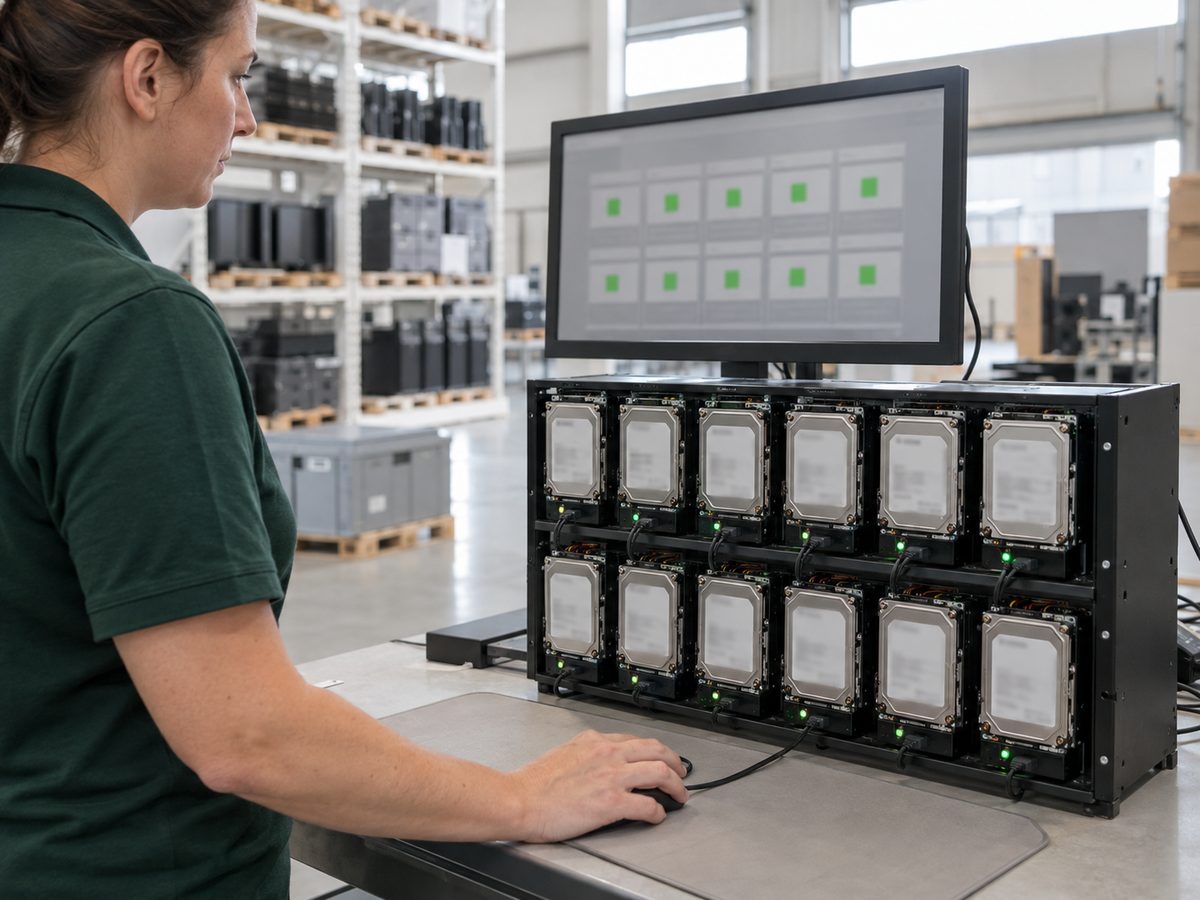
Cryptographic erasure or sanitize command with verification, or shredding to a small fragment

3
Certificate
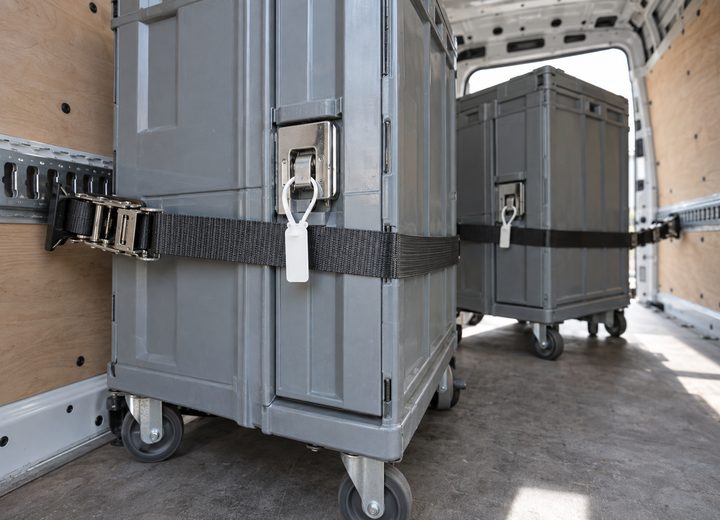
Certificate per device with method, verification or fragment size, and date
Questions about SSD erasure and destruction
Why doesn't degaussing work on an SSD?
An SSD stores data in flash memory, which is not magnetic. Degaussing only affects magnetic media such as HDDs and tapes.
What is the difference between cryptographic erasure and sanitize?
Both fall under Purge. Cryptographic erasure discards the encryption key that protected the data; sanitize is a built-in command from the device itself that erases all cells. Both are verified.
Can an NVMe drive also be erased using software?
Yes, via secure erase over the NVMe protocol, with verification afterwards. If that fails, the drive goes into the physical route.
What if the storage is soldered onto the motherboard?
Then we erase via the device itself if the controller allows it, or shred the whole unit to a small fragment.

Request a quote for SSD erasure or destruction, or request a free valuation first. We respond within one working day. Other services: Data erasure, On-site data destruction, Hard drive shredding, Data centre decommissioning.
Email us
Response within one working day
info@rqnx-it.com
Visiting address (example)
Mon to Fri, 8.00 to 17.30
Industrieweg 12, 3542 AD Utrecht (example address)
Call us
Prefer to talk directly?
030 123 45 67 (example number)
Request a quote or collection
Send a list of device types and quantities, or describe the situation.